New Name, New Email Address
As part of our move to a new parent company name, everyone's getting a new email address and signature. It's a simple change on the surface, but an important one. This new email address and signature means we all show up under one name as The AAON Group.
Questions or need support?
A Smooth, Phased Transition
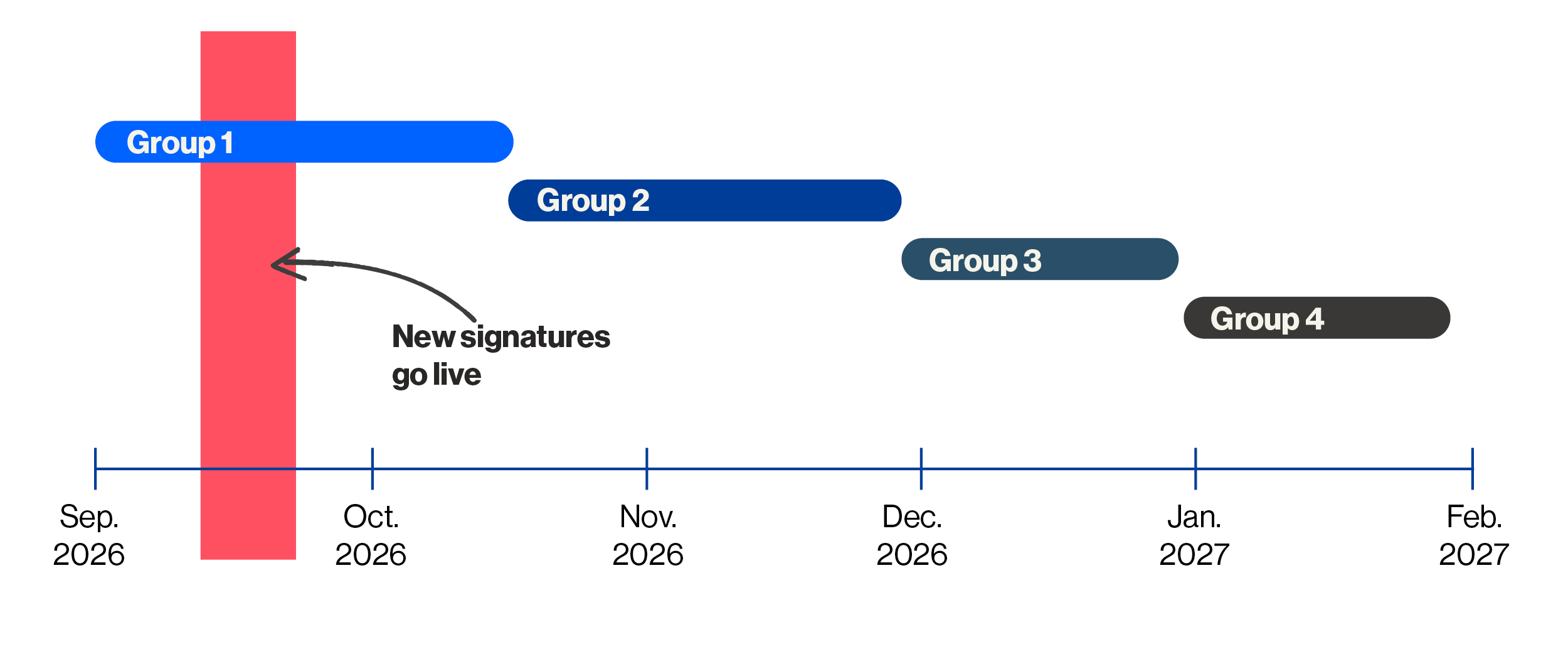
To ensure a smooth transition, we're migrating to the new email in structured phases rather than moving everyone at once. This staged approach allows our IT team to validate each step, provide focused support, and identify and resolve any issues early.
Specific migration groups and schedules will not be listed on the timeline. Instead, employees will receive clear instructions and support directly ahead of their scheduled migration, so they’ll know exactly what to expect and when to take action.
New Email Signatures Coming Soon
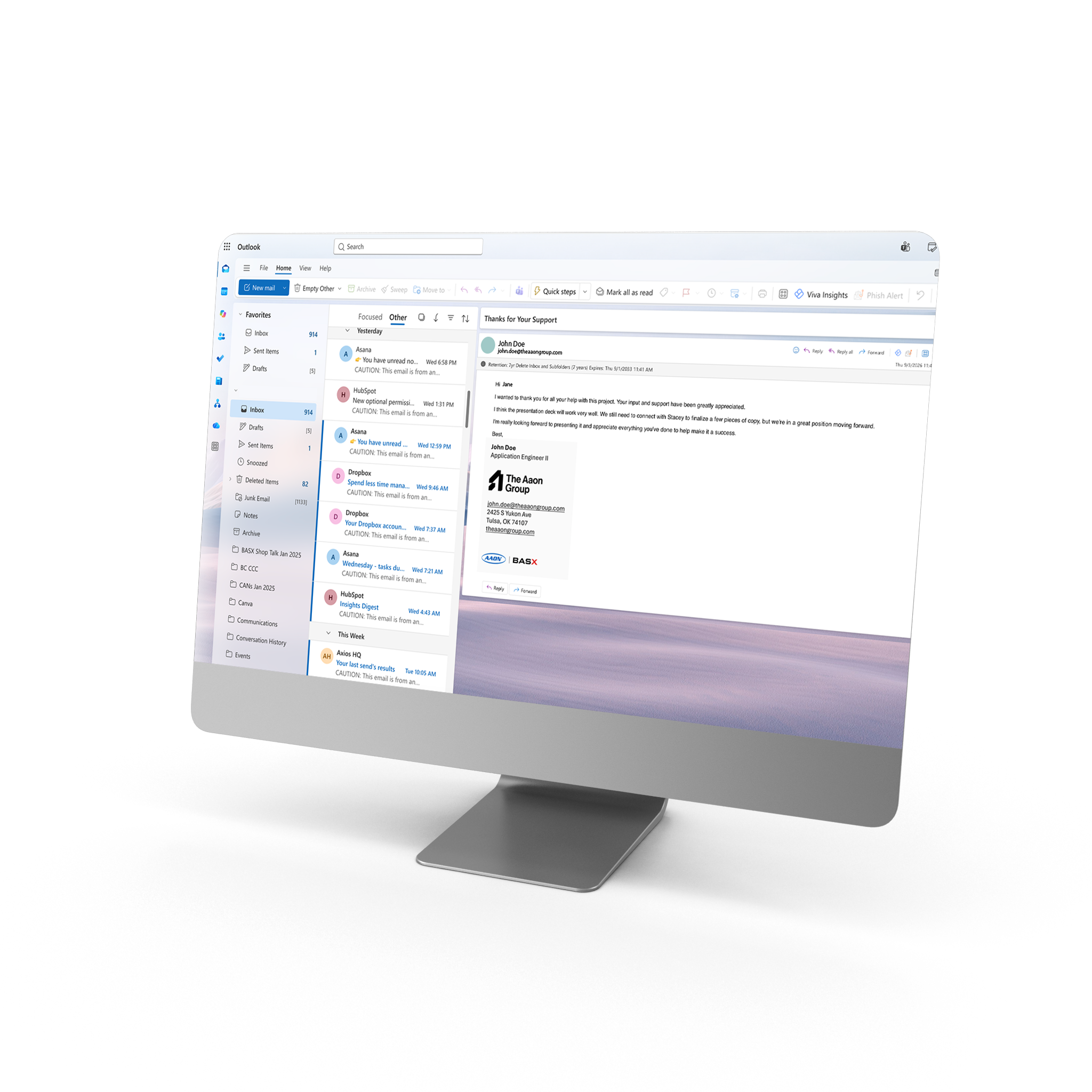
Before the new Aaon Group email addresses roll out, everyone will first receive an updated email signature. This is a separate rollout from the email address transition — so watch your inbox for this update first.
There will be three new signature styles, and which one you receive depends on where you work within The Aaon Group. Not sure which signature applies to you? Check out the PDF below to see which brand aligns with each signature style.

Need to Edit Your Signature?
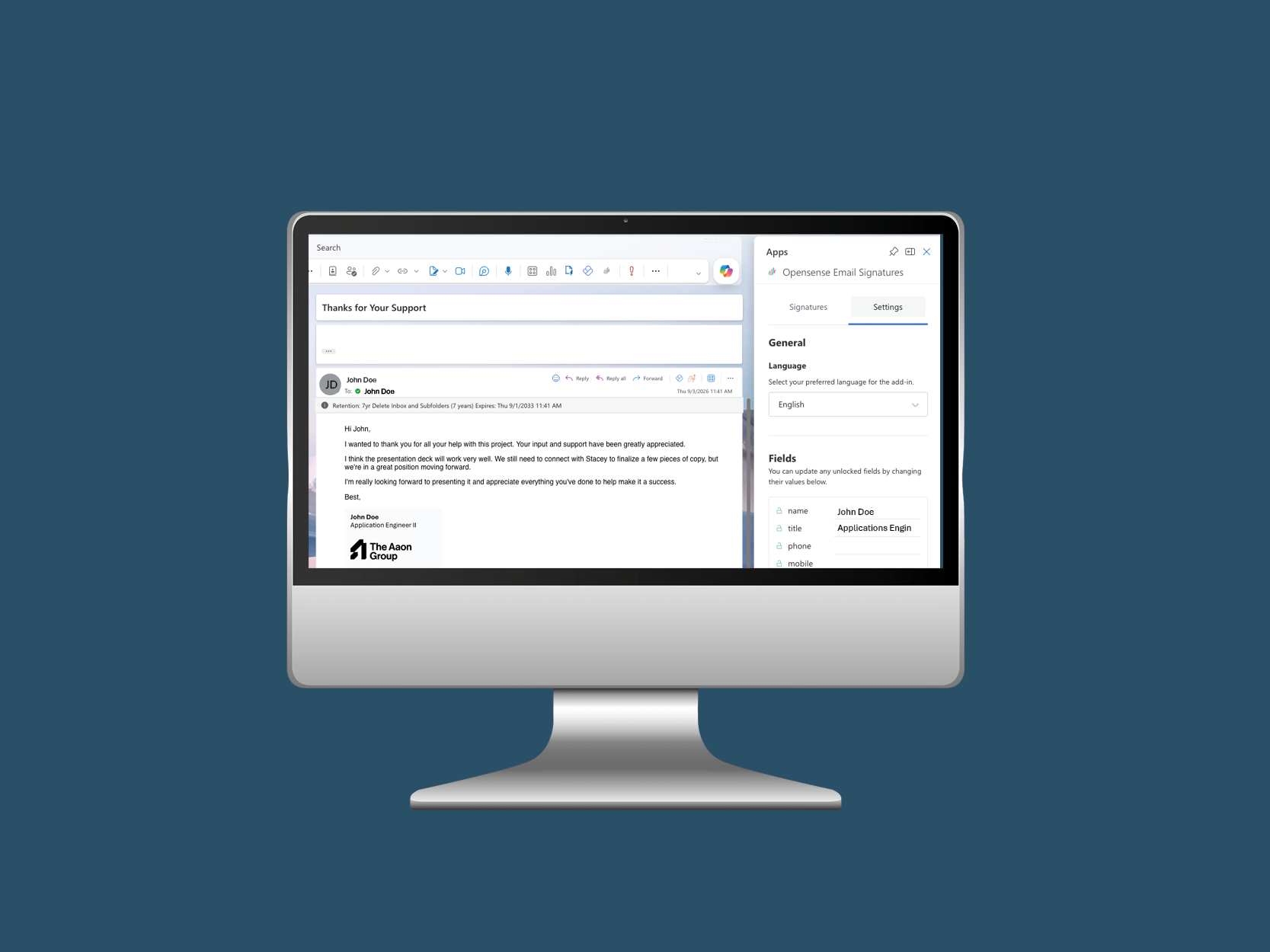
To update data in your new signature you will use Opensense in Outlook:
- Compose a new email
- In the toolbar, click on the Opensense logo
- Go to the ‘Settings’ tab
- Update fields as needed under the ‘Fields’ section
- Click the blue ‘Update’ button
- Once you click "Update", the data will write back to Opensense and save in your profile
- Feel free to test your signature with a coworker to ensure the data has been updated
Note: You cannot see your email signature when sending an email. You can see it on a thread when someone replies to your ema